
Access Notification List by clicking the bell icon in the top right corner. The Notification List displays all incoming notifications from the iSmartOffice™ Patient app, such as:
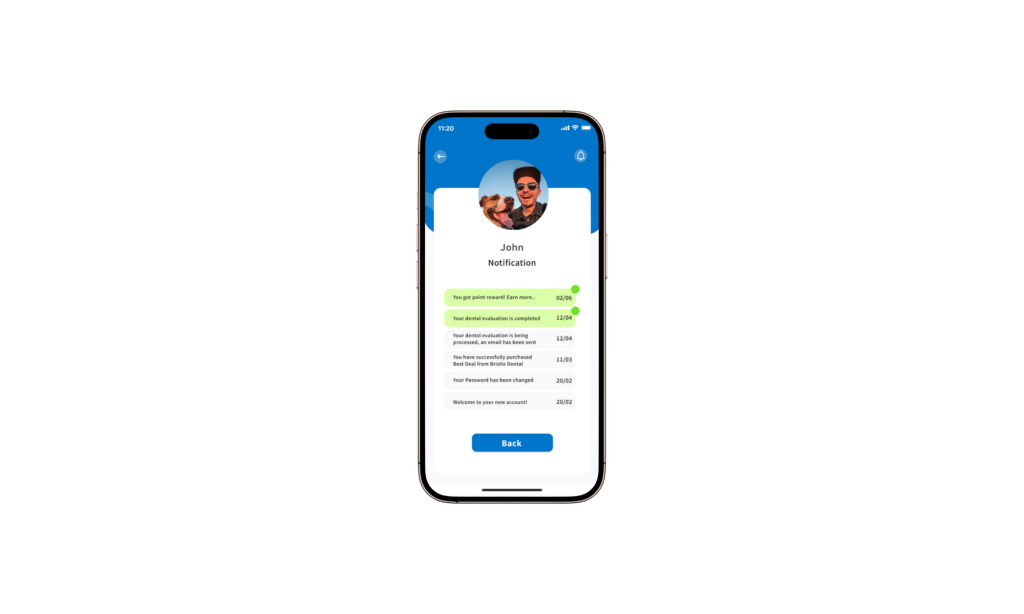
- Promotional offers
- Point rewards
- Maintenance announcements
- Seasonal greetings or special messages
This section ensures you stay updated on important events, system updates, and exclusive offers.
Tips:
- Check notifications regularly so you don’t miss promotions or reward updates.
- Make sure push notifications are enabled on your device.


